
WordPress antivirus
Why a WordPress antivirus is not enough for real cleanup
Why a WordPress antivirus is not enough for real cleanup
The phrase WordPress antivirus sounds like a button. Run the plugin, delete what it finds, done. Sometimes that helps with old, obvious malware. Against a serious compromise, it is not enough.
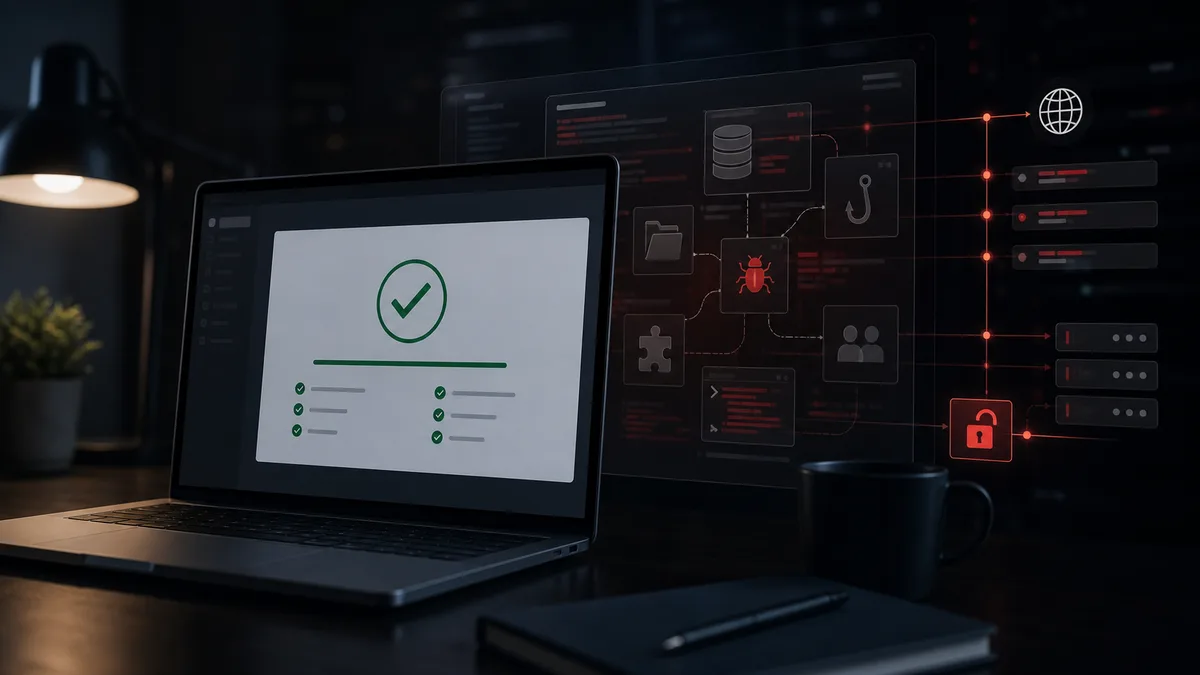
WordPress is not only files. It has a database, roles, cron, hooks, plugins, themes, REST endpoints, admin-ajax.php, cache and hosting-level behavior. If malware touches several of these, a scanner sees only a slice of the incident.
Why scanners miss things
A scanner usually works from known patterns. It looks for suspicious functions, modified core files and known malware fragments. Useful, but not final.
WordPress malware often does not sit in a file called evil.php. It can be injected into the database. It can be a fake plugin with just enough harmless code to look real. It can activate only for specific IPs or user agents. It can create an admin user and then hide it from the dashboard.
If malware is smart enough, it manipulates the places you would normally check. That is why the WordPress admin screen alone is not a reliable source of truth.
Database infections do not look like files
Some infections live in wp_options, widgets, menus, SEO fields or theme settings. Every page load can still print malicious JavaScript, even if no infected file is obvious.
Real WordPress cleanup has to inspect the database too: which option changed, when the script appeared, and which admin action or HTTP request came before it.
Backdoors and fake plugins
Attackers usually want persistence. A fake plugin is a convenient way to get it. The name can sound boring and legitimate. It may even contain a few harmless functions so it does not look empty.
WebShield continuously watches for new plugins and themes. New components are reviewed immediately: do they contain real functionality, do they communicate with remote servers, do they create admins, do they load code dynamically?
That matters because the event is caught when the component appears, not only when Google Ads or the hosting provider complains.
Hidden admins and modified hooks
Malware can modify hooks, filter admin lists or hide elements from the WordPress interface. If you only inspect what the dashboard shows, you may be looking at a manipulated view.
WebShield monitors administrators, plugins, themes and other components independently of the WordPress UI. A new admin or plugin can still be detected even when malware tries to hide it.
That is the difference between checking the dashboard and checking the actual system state.
HTTP requests explain file changes
A file change is useful evidence. The stronger question is what caused it. WebShield can connect file changes with incoming HTTP requests. Manually this is slow; automated correlation turns it into a practical lead.
If a vulnerable endpoint receives a POST request and a PHP file appears under uploads right after it, you are no longer only seeing the result. You are seeing the attack path. This matters for zero-day incidents too. The 10.0 CVSS WordPress case discussed on the Egy hacker naplója YouTube channel is a good example of behavior catching an attack before a core update is available.
What real cleanup checks
Real cleanup compares files against official sources, compares components across sites when no official source exists, reviews the database, administrators, new components, HTTP requests, backups and persistence paths.
A scanner plugin is a useful first signal. For a revenue-generating site, webshop or agency client, the real question is not whether the plugin found something. The question is whether the attacker still has a way back tomorrow.