
WordPress recovery
How long does WordPress malware cleanup take?
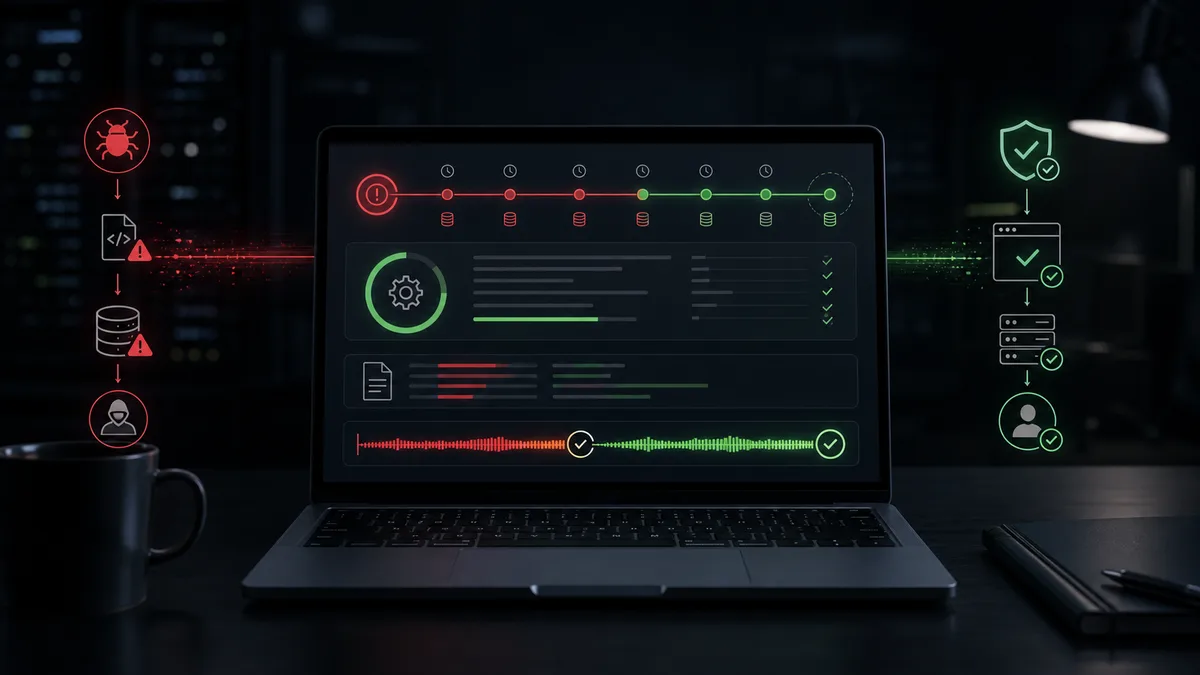
How long does WordPress malware cleanup take?
Many providers say a hacked WordPress site takes 1-3 days to clean. With manual work, that can be true. If there is no prior logging, no recent restore chain and no file comparison, someone first has to reconstruct what happened. That takes time.
The duration of WordPress cleanup is not mainly about the number of infected files. It depends on whether the site still works, whether the WebShield plugin can be installed, whether files and logs are available, and how quickly the entry point can be identified.
Why manual cleanup takes time
Manual cleanup means every decision is made one by one. Is this file original? Is this plugin real? Is this administrator legitimate? Is this cron event normal? Is this PHP change malware or a developer edit?
Without clean source comparison, you rely on visual inspection. Without request correlation, you may find the infected file but miss the attack path. Without recent backups, restore decisions become risky.
That is why manual WordPress virus removal can take days. Deleting files is not slow. Gaining confidence is.
Why WebShield is faster
WebShield does more work before the incident. It creates incremental backups every 2 hours, so there are frequent restore points. Files can be compared with official WordPress, plugin and theme sources. When no official source exists, components can be compared across protected sites.
The system watches for new plugins, themes and administrator users. If a fake plugin appears, it is visible as an event. If malware tries to hide an admin from the WordPress dashboard, the underlying change can still be detected.
This is faster because it is less blind.
Can a site be working again within an hour?
In some cases, yes. If the site works well enough to install the WebShield plugin, or can be manually stabilized quickly, automated scan and cleanup can move fast. Even heavily infected sites can sometimes be brought back to a clean working state within an hour.
That does not mean every forensic detail is finished in exactly 60 minutes. A clean working state and full post-incident analysis are not the same thing. But business impact often depends on the first milestone: the site is reachable again, malware is no longer active, ads can recover, leads and orders stop leaking.
What changes the timeline?
These factors matter:
- WordPress admin availability,
- whether a plugin can be installed,
- PHP environment health,
- database damage,
- usable backups,
- server log availability,
- number of affected sites on the hosting account,
- recent webshop orders or lead data.
If the site is completely broken, it may need manual stabilization before automated analysis can start. If the system can run, WordPress recovery is much faster than classic manual searching.
What happens during fast cleanup?
Files are not only deleted. WebShield connects file changes with HTTP requests, evaluates new components, monitors administrators, compares files against known-clean sources and uses a global attacker blocklist. If an attacker tries something against one protected site, the others can benefit from that signal.
This is especially useful in zero-day cases. In the 10.0 CVSS WordPress attack discussed on the Egy hacker naplója YouTube channel, behavior recognition mattered more than waiting for a ready-made signature.
Fast should not mean shallow
Fast cleanup is bad if the infection returns tomorrow. The right speed comes from automation, logging and comparison, not from skipping checks.
WebShield's advantage is not only fast cleanup. It keeps watching after cleanup, keeps backups, correlates requests, blocks attackers and reports suspicious changes. That is why it is better described as managed WordPress incident response than occasional virus removal.