
WordPress cleanup
How does professional WordPress malware cleanup work?
How does professional WordPress malware cleanup work?
WordPress cleanup does not mean logging in over FTP, deleting a few strange PHP files and hoping the problem is gone. That is cleanup theatre. A compromised WordPress site needs a different question: what changed, how did the attacker get in, what persistence remains, and which state is safe enough to run?
The visible symptom is only the surface. It may be a redirect, SEO spam, an unknown administrator, a Google Ads suspension, a hosting-provider warning or a suspicious file. The real work starts when you connect that symptom to the cause.
Cleanup is not file deletion
Professional WordPress site cleanup has three parts: remove the malicious state, close the entry point, and keep watching for the next suspicious change.
That is why file deletion alone is weak. A backdoor can live in the database. A fake plugin can look harmless. A malicious admin can be hidden from the WordPress dashboard if malware modifies hooks. A reinfection can come back from cron, a vulnerable plugin, uploaded PHP or stolen credentials.
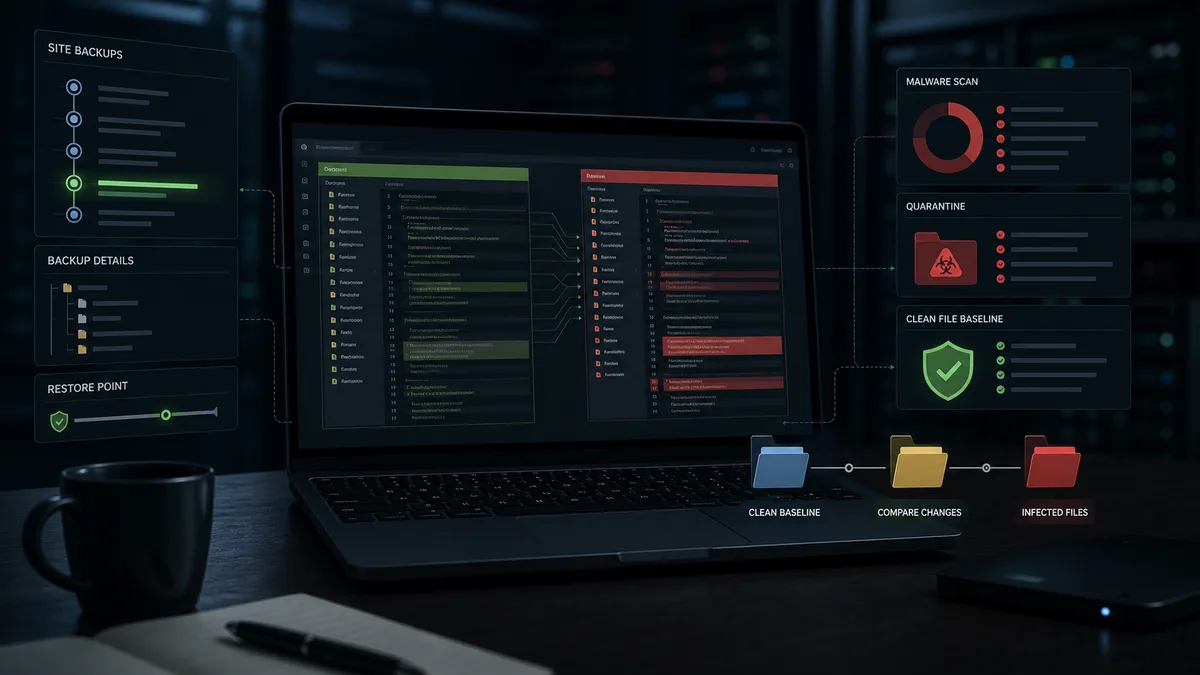
WebShield does not treat this as a one-scan job. It creates incremental backups every 2 hours, so recovery does not depend on a single daily backup. On a webshop, that difference matters. Losing a full day of orders is a very different problem from handling a short recovery window.
Compare files instead of guessing
File comparison is one of the strongest tools in real WordPress malware removal. If WordPress core, a plugin or a theme is available from an official source, the installed files can be compared against the clean baseline. Modified files, injected code and unexpected additions stand out quickly.
When no official source is available, comparison can still help. WebShield can compare components across protected sites. In an agency portfolio, that often reveals when one site contains a suspicious file that the others do not.
This makes cleanup faster and more accurate. You do not need to debate every obfuscated fragment in isolation. The difference is already evidence.
New plugins, themes and admins need attention
A common attack pattern is a fake plugin. The name may sound ordinary: cache helper, security patch, backup tools, system optimizer. Inside, there may be no real feature at all, only a backdoor or a loader for remote code.
WebShield continuously watches for new plugins and themes. A new component is not just logged. It is reviewed automatically: does it contain real functionality, does it match WordPress conventions, does the code look suspicious, and is there an incoming HTTP request connected to it?
The same applies to admin users. Looking only at the WordPress dashboard is not enough because malware can hide its own traces. WebShield monitors administrators and components independently of the WordPress UI, so a change can be detected even if the dashboard does not show it.
Link HTTP requests to file changes
Manual cleanup often finds the result but misses the trigger. You see the infected file, but not which request created it.
WebShield can connect file changes with incoming HTTP requests. If a plugin endpoint receives a suspicious POST request and a PHP file appears under uploads seconds later, that is a strong signal. This is useful even for zero-day attacks, before public signatures or patches exist.
The case discussed on the Egy hacker naplója YouTube channel shows this well: a 10.0 CVSS WordPress vulnerability attempt was caught by behavior before the core update was available.
After cleanup
WordPress virus removal is not finished when the homepage loads again. It is finished when persistence is gone, credentials are rotated, the vulnerable component is handled, and the next suspicious request is blocked or investigated.
WebShield also maintains a global attacker blocklist shared by protected sites. If an attacker tries something against one site, the others can benefit from that signal. This is the difference between a one-off cleanup and managed WordPress security.
Even a heavily infected site can sometimes return to a working clean state within an hour, if the plugin can be installed or the site can be manually recovered enough for automated analysis to start. That speed comes from having backups, file comparison, component monitoring and request correlation already built into the process.
Without monitoring after cleanup, the work is only a repair. WebShield keeps watching.